
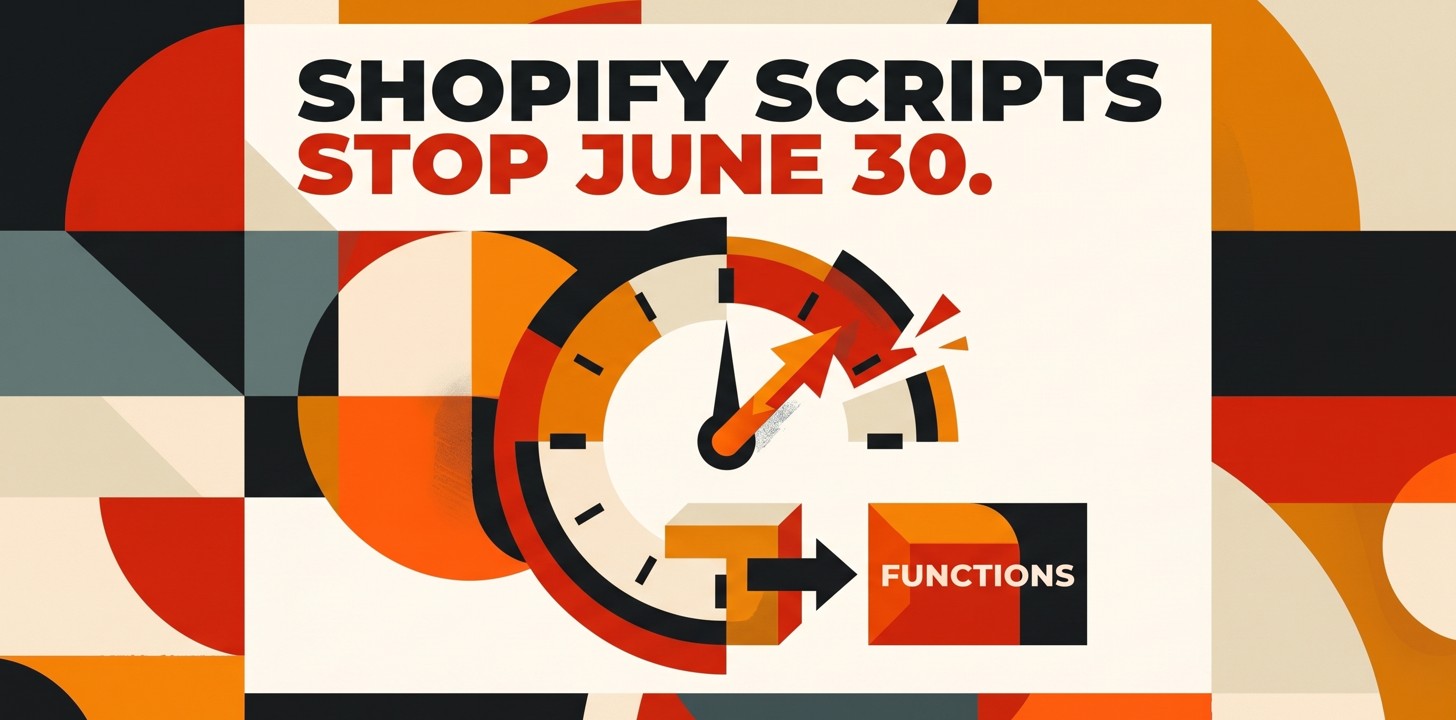
Shopify Scripts stop running on June 30. If you haven't moved to Functions, checkout breaks.
Key takeaways
Two dates, not one
The Script Editor locked on April 15, 2026, so you can't edit or publish Scripts anymore. The harder deadline is June 30, when Scripts stop running entirely. Anything still on Scripts that day just stops working.
It fails quietly
Nothing throws an error or sends you an email. A Script-based discount stops applying, a shipping rule stops filtering, a payment restriction lifts. You find out when a customer or your finance team does.
The audit is the slow part
Rebuilding a Function is usually quick. Working out what your old Scripts actually do, including the undocumented exceptions and edge cases, is what takes weeks. Start there, not with the code.
Functions aren't Plus-only
Scripts were a Plus-only, custom-coded feature. Functions ship inside apps and run on any plan, so a lot of logic that used to need a developer can now be covered by a public app from the App Store.
If your store runs any custom logic at checkout, there's a date you want on the wall: June 30, 2026. That's the day Shopify Scripts stop executing. Not deprecated-but-still-limping. Stopped. Whatever discount, shipping, or payment rule you built in a Script simply doesn't run after it.
The reason this one catches people out is that nothing dramatic happens. There's no error page, no warning banner, no email the morning of. The discount you expect to apply just doesn't. The B2B customer who's supposed to skip payment terms suddenly can't. You learn about it from a support ticket or a confused look at the day's numbers, which is the worst way to learn about it.
If you've already migrated, you can close this tab. If you're not sure whether you've migrated, that uncertainty is the problem worth fixing this month. Here's what's actually changing and how to scope the work without panicking.
Two dates, and the second one is the cliff
There are two deadlines, and it's easy to conflate them. The first already passed. On April 15, 2026, Shopify locked the Script Editor. You can't write a new Script or edit an existing one anymore. The ones you had kept running, so for a lot of stores nothing visibly changed and the deadline slid off the radar.
The second date is the one that bites. On June 30, 2026, every Script stops executing. This deadline has already moved once, from August 2025, so there's a temptation to assume it'll slip again. Plan as if it won't. A second extension would be a pleasant surprise, not a strategy.
One detail makes the transition easier than it sounds: Scripts and Functions can run side by side until the cutoff. You don't have to flip everything in a weekend. You can rebuild one rule as a Function, test it against the Script it replaces, confirm it behaves, then move on to the next. The clock is the only thing forcing the pace.
What actually breaks
Scripts powered the checkout logic that doesn't fit in Shopify's standard settings. If you're a Plus merchant, some of this is probably load-bearing for your revenue. The categories that go dark on June 30:
- **Discounts. **Automatic promotions, tiered and volume pricing, buy-X-get-Y, cart-level rules. If a Script decides who gets what discount, that decision stops being made.
- **Shipping. **Custom rate logic, hiding or reordering methods, rules tied to cart contents or destination. The Script that surfaces the right rate goes away, and customers see whatever's left.
- **Payments. **Filtering or renaming payment methods, hiding certain options for certain carts. When the Script stops, the filtering stops, and options you'd hidden come back into view.
- **B2B and restrictions. **Wholesale rules built on customer tags, quantity limits, product restrictions, region gating. This is the category most likely to hide a rule nobody remembers writing.
The failure mode that should worry you isn't the discount that quietly stops, costing you a few conversions. It's the restriction that quietly stops. A quantity cap that lets someone clear your inventory, a region gate that lets an order through you can't fulfill, a payment filter that reopens a method you turned off for fraud reasons. Those don't lose you a sale. They create a mess you clean up later.
Functions are the replacement, and they're not just Scripts with a new name
Shopify Functions are what you move to. Technically they're a real upgrade. Scripts were Plus-only Ruby running in a sandbox; Functions compile to WebAssembly and run on Shopify's core infrastructure, so they're faster and behave more predictably under load. For a founder, the speed isn't the headline. Two other things are.
First, Functions ship inside apps. That means a chunk of logic that used to require a developer pasting Ruby into an editor can now come from an App Store app you install and configure. Second, because they live in apps, Functions aren't gated to Plus. Stores on lower plans get access to the same checkout customization that used to be a Plus perk, which quietly changes what's possible for smaller merchants.
Shopify has also pulled some common cases into the platform itself. BOGO and volume discounts that used to need a Script can now be set up in the discounts settings with no app at all. So before you assume you need to rebuild anything, it's worth checking what's gone native, because the cheapest migration is the rule you don't have to rebuild.
How to scope the move without guessing
Shopify gives you a Scripts customizations report that lists your current Scripts and flags which ones map to a native feature or a public app. Run it first. It turns a vague "we have some Scripts somewhere" into an actual list, and for a lot of stores it'll show that half the work is a settings change, not a build.
The part the report can't do for you is the reason this takes weeks instead of an afternoon. Your Scripts encode business decisions that were never written down: the customer who gets a special rate because of a deal closed two years ago, the quantity cap added after one bad fulfillment week, the region someone blocked for a reason nobody can quite reconstruct. The Ruby tells you what the rule does. It doesn't tell you why, or whether it still should. Migrating is a chance to rebuild the rules you still want and drop the ones that were patches for problems you no longer have.
A sane order of operations: pull the report, sort each Script into native / public app / needs custom Function, then handle the custom builds while there's still runway to test them against live carts. Leave the custom Functions for the last weekend of June and you're debugging checkout logic with no margin, which is exactly when a missed edge case turns into refunds.
If your checkout logic is simple, this is a short job you can do yourself from the report. If you're a Plus store with years of accumulated Scripts and real money flowing through them, treat it as a project with an owner and a deadline, not a thing someone gets to eventually. The deadline isn't negotiable, the failure is silent, and the gap between "we'll handle it" and "checkout is doing something weird" is one date on the calendar. Better to spend a week in June than a July cleaning up.
Frequently asked questions
When exactly do Shopify Scripts stop working?
There are two dates. On April 15, 2026 the Script Editor was locked, so you can no longer edit or publish Scripts, though existing ones keep running. On June 30, 2026 all Scripts stop executing. After that date any checkout logic still living in a Script does nothing.
What actually breaks if I miss the deadline?
Anything you built in Scripts: automatic discounts, tiered or volume pricing, shipping rate rules, payment method filtering, product or quantity restrictions, and B2B checkout logic tied to customer tags. On June 30 those rules stop applying. Discounts you expect to fire won't, and restrictions you rely on lift.
What's the difference between Scripts and Functions?
Scripts were Plus-only Ruby that ran in a sandbox. Functions are compiled to WebAssembly and run on Shopify's core infrastructure, which makes them faster, and they're distributed through apps rather than pasted into an editor. Because they ship inside apps, stores on any plan can use Functions, not just Plus.
Do I have to write custom code to replace my Scripts?
Not always. Shopify now handles some things natively that used to need a Script, like BOGO and volume discounts. For those, no app is needed. For logic that's specific to your business, you'll either install an app built on the Discount, Shipping, or Payment Function APIs, or have a developer write a custom Function. Start by running Shopify's Scripts customizations report to see which of your Scripts have a native or public-app replacement.
Can Scripts and Functions run at the same time during the move?
Yes. Until June 30 you can run both in the same store, so you can migrate one piece of logic at a time and test the Function alongside the Script it replaces. After June 30 only the Functions keep working.
Related posts
Android developer verification starts September 30
Google now requires every app on certified Android devices to be registered to a verified developer. The app is registered to whoever holds its developer account and signing key, so check both before the 2027 global rollout.
Shopify is retiring script tags: apps lose them October 1, storefronts March 1
Shopify is deprecating storefront script tags. Apps lose access on October 1, 2026, and visible storefront features break on March 1, 2027.